day-4-challenge-reverse
I downloaded the zip into a folder extracted it , double clicked the .exe terminal flashed , so i i figured i open terminal and execute it there and i see this :
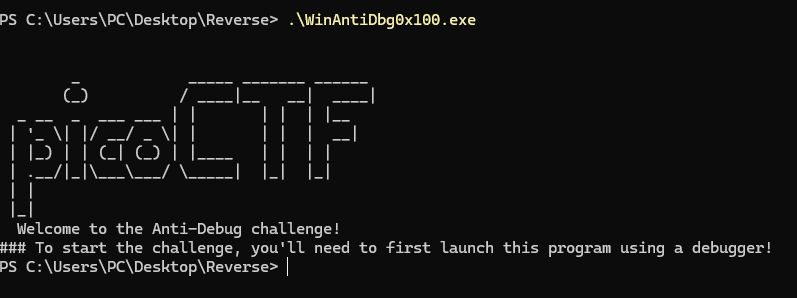
Soooo , I opened IDA , and it was bright (white theme) so i wanted to see if there is a dark mode but didn’t find and i’m too lazy to google (but somehow i’m noting all of this lmao), so i went check the dropdown menu of debuggers and just used windbg cause firas propaganda.
I started the process and … idk o.o nothing , it’s supposed to change abit of how the workspace look no ?
And now I see this :
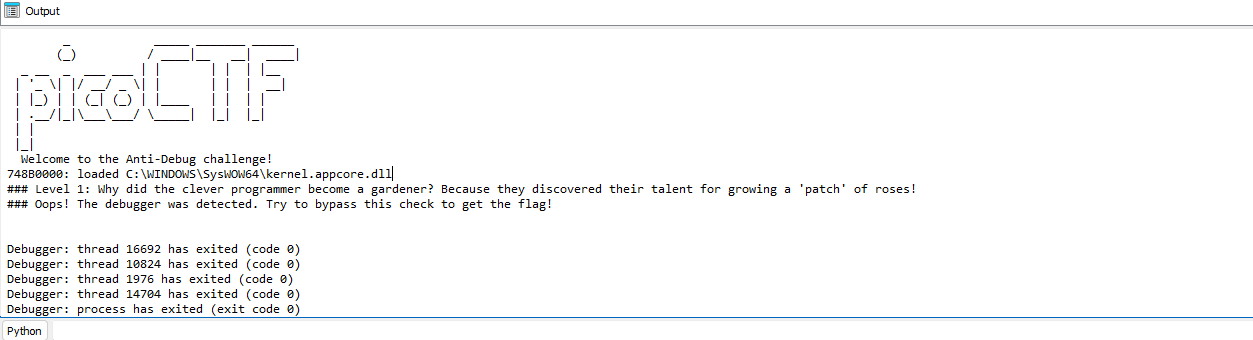
and this is the first Aha for me. Let us look.
Observations :
- Text changed compared to the terminal one.
- debugger got detected and the program crashed itself It wants me to bypass this so .. let’s do it.
I remember what firas said about the very first step to do … Check the Strings so here i go checking:
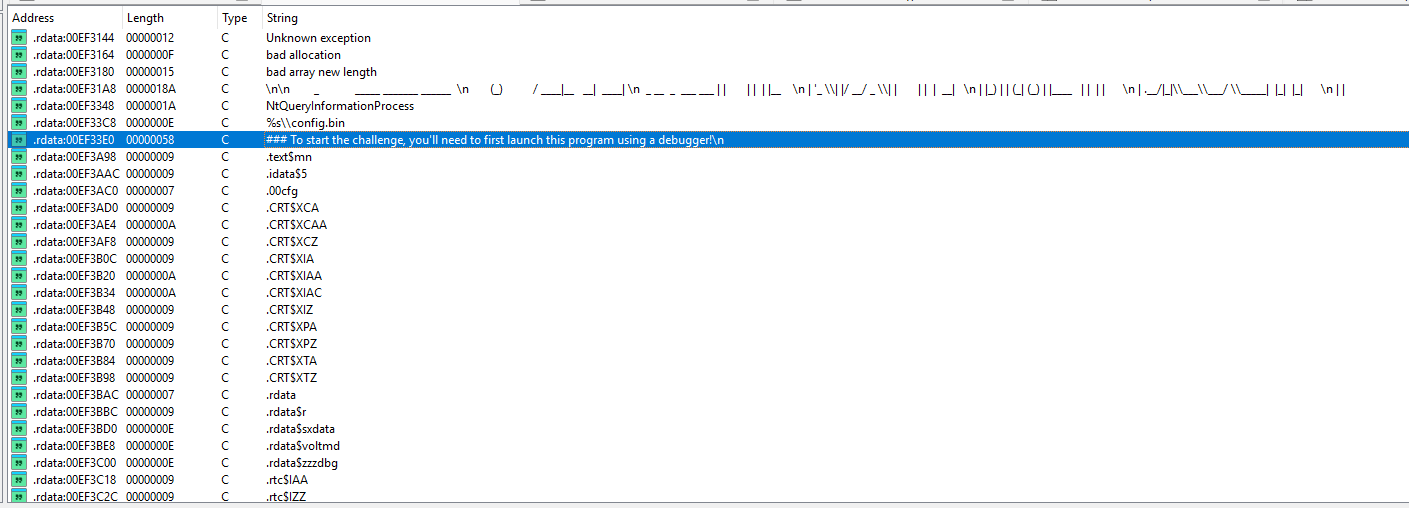
not so many strings so i can scroll ‘em fast, the highlighted string is the only one i saw on terminal .. can’t find in the list the ones i saw in the Ida Output window , Let’s Cross reference it :eyes:
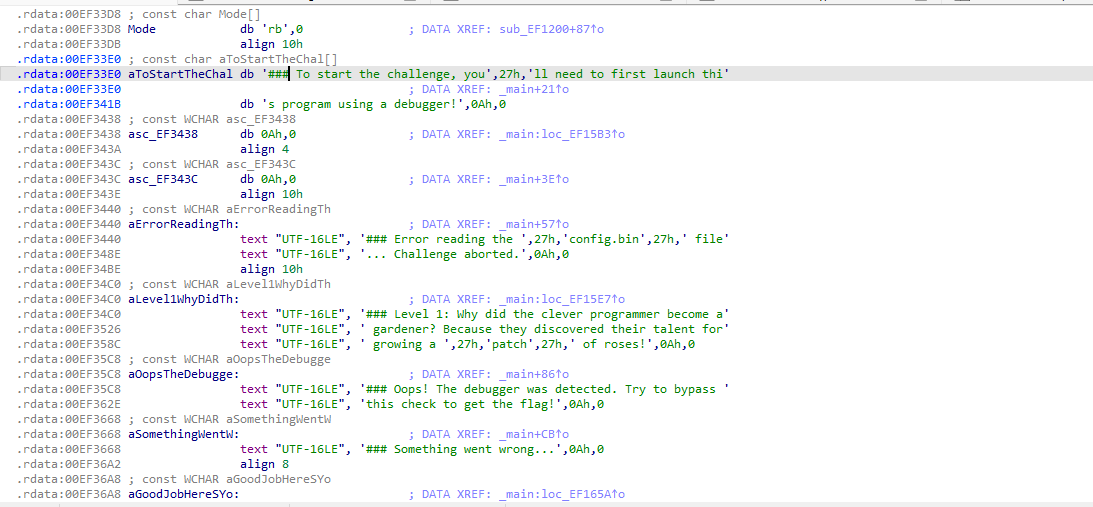
Hmm before the cross reference , I double clicked it and i see this Window and look at this .. the text from the Ida Output window :eyes: let’s just cross reference the “###Oops!….” text
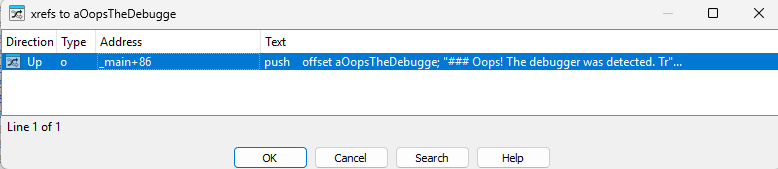
Only one .. Nice let’s check it.
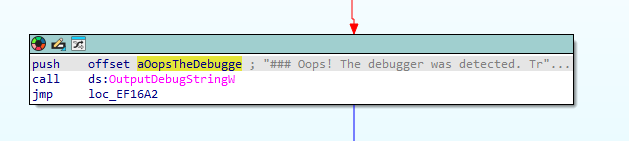
Hmmmmm. Let’s follow the Blue arrow
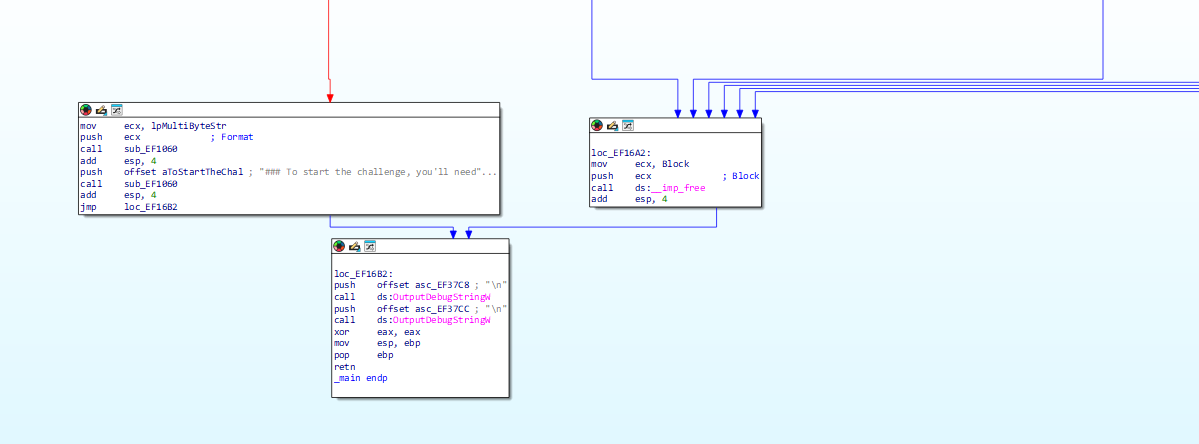
hmmmmmm i’m not expert but this look like the functions exiting the program , i mean .. kidna obvious it goes here lol.
So let’s trace back to the source (ye normally this is the first thing to do not go to blue arrow lol) aka let’s see the red arrow!
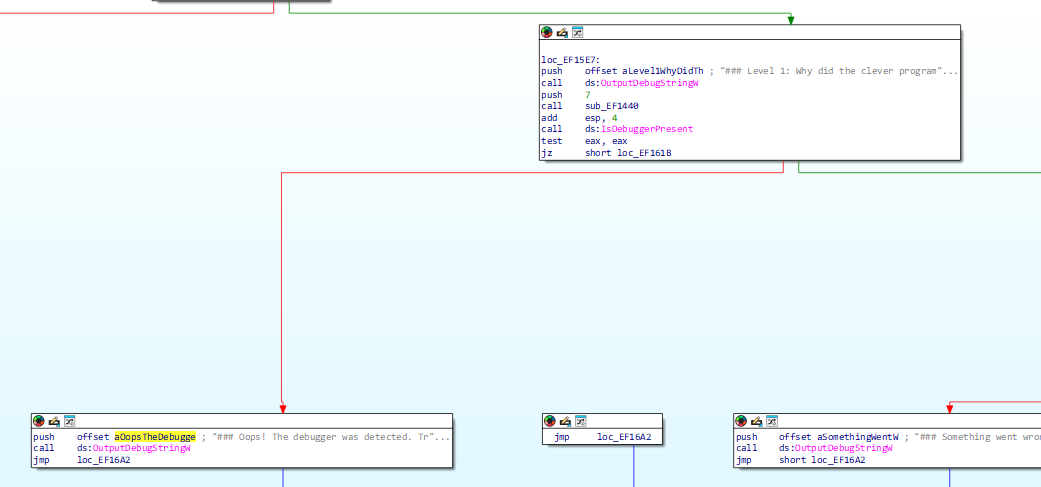
Aha ! Interesting
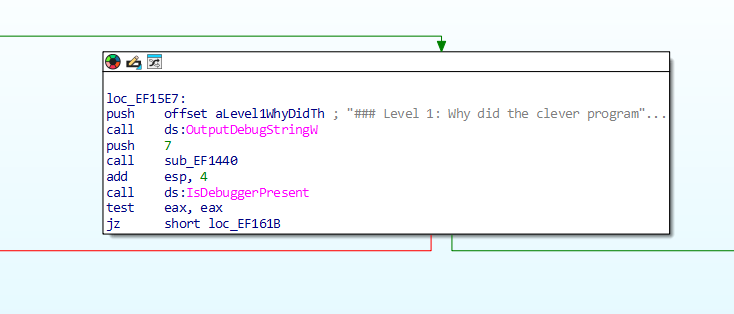
Let’s have a better look at this
it pushes an offset string of level 1 bla bla , idk what does this mean exactly but looks like it prepares the String , Then it calls a function named “OutputDebugString”, well we can say this is a print function or something
it pushes 7 call some jutsu and do math later .. then it calls IsDebuggerPresent .. nice the name can’t be more obvious .. and aha it does the test eax, eax and it jumps if the comparison equals 0.
Hmm jump if zero calles some place named loc-EF161B let’s track the arrows , The Oops block doesn’t have this loc thing so let’s see the other block it branches from and we see …

(dramatic music playing) .. nice here it is
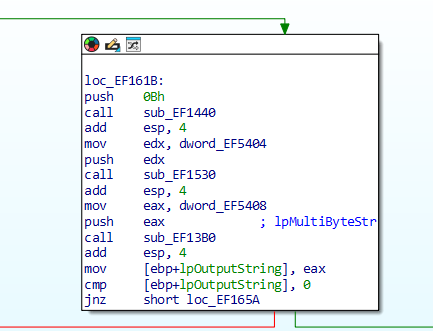
So if comparison is 0 it goes here , if it’s 1 it goes to Oops block and exit.
so now before i even care to know what’s here we go back to the old block and put a breakpoint at the isdebuggerthere or soemthing instruction
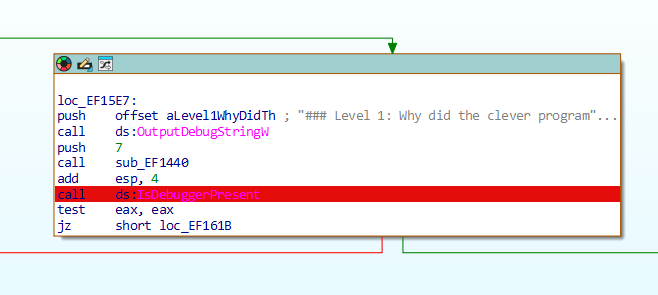
break point added .. let’s start debugging \o/
Well i Know that if i want to avoid the program exiting i need the test result to be 0 not 1
we technically can patch the jz to jnz but Nuh uh .. there is more to do and it wastes time to open and reopen the program (yes i learnt from ur wisdom , master 1cyyy).
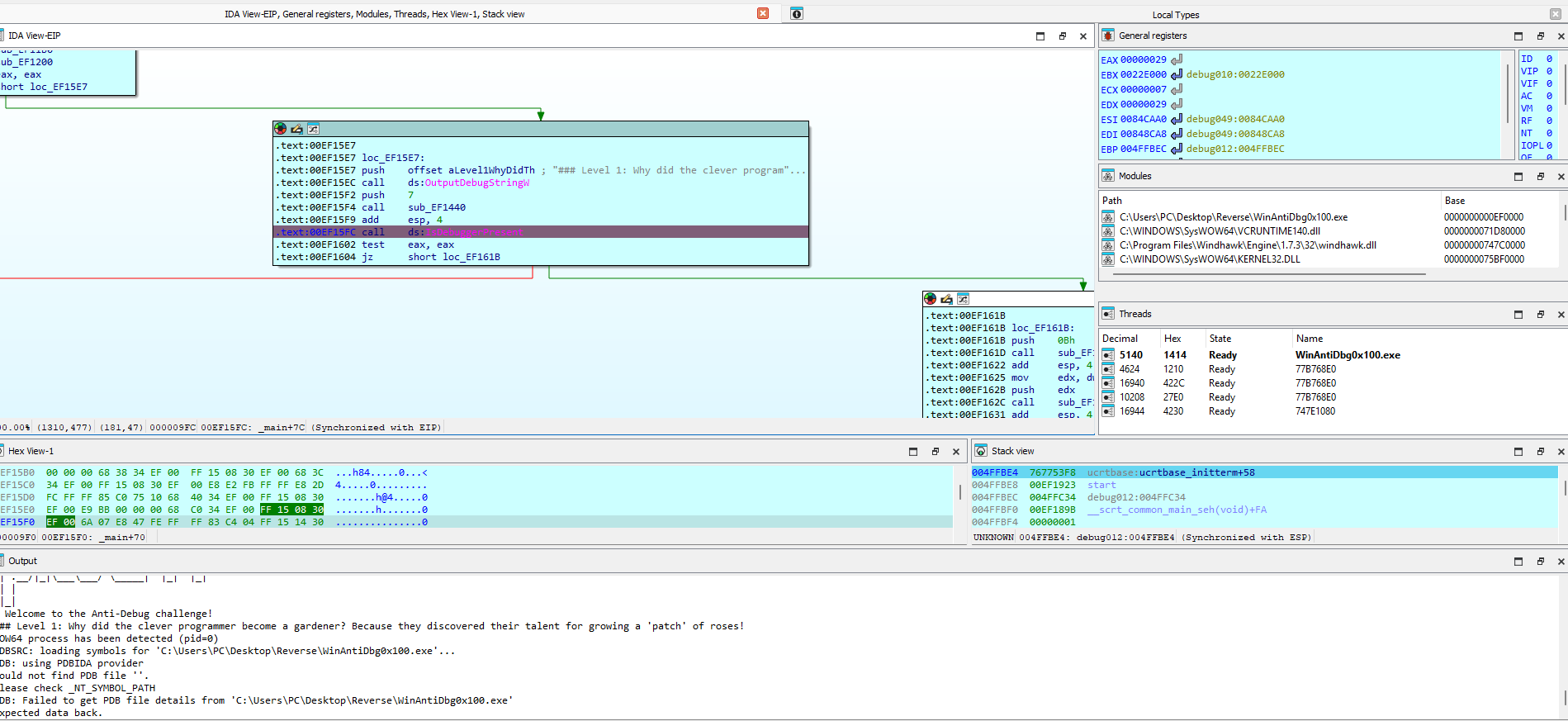
Alright , Debugger didn’t stop working .. the output window didn’t output the oops , we’re in a good spot ..
Well i can see the registers values and lot of things idk about. No eax is the one getting tested , right now it has 29 .. the test thing didn’t happen yet so let’s move few steps forward towards it
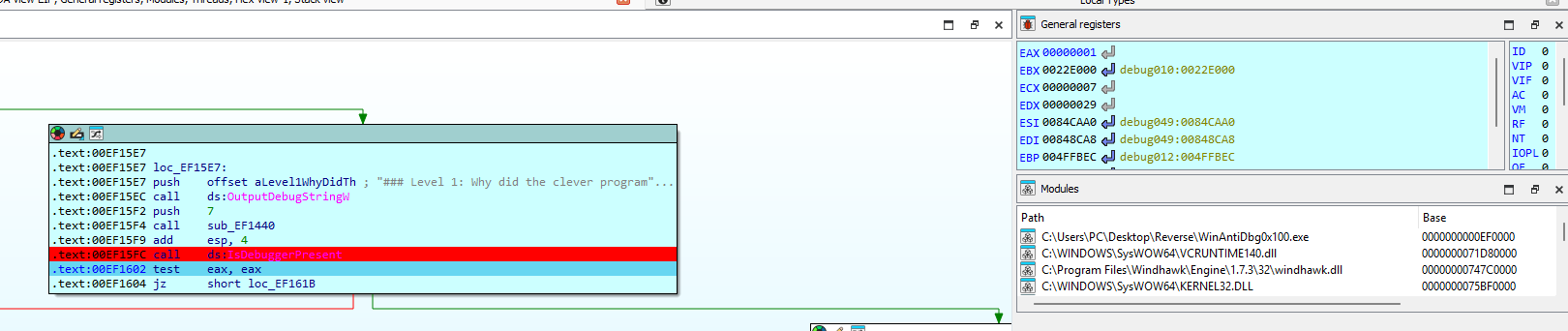
1 step Over and we see eax changing to 1 .. the test function is going to happen, idk if this is the time i should change value or no (i probably should anyways but let’s see what happens if i step over again).
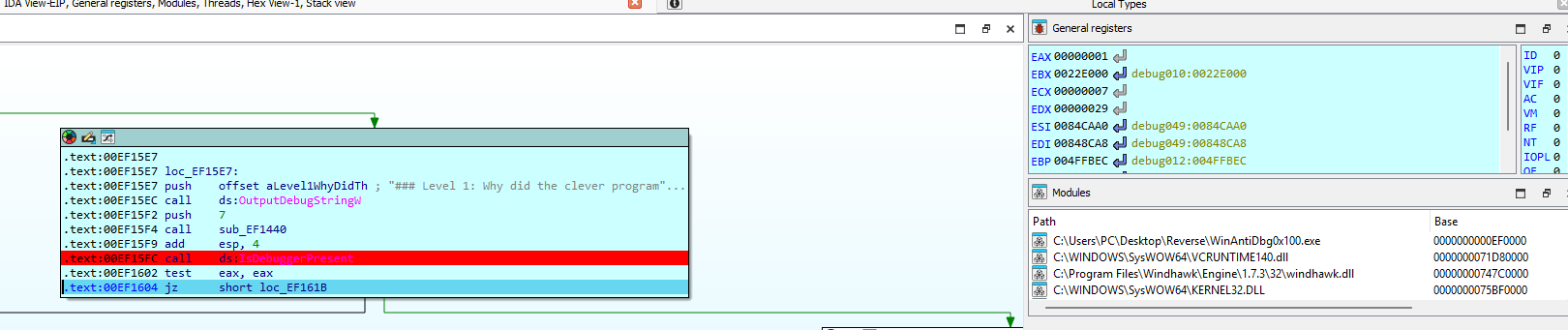
hmmm eax still 1 and program didn’t crash …
Hey for the sake of it let’s do another step i wanna check if the debugger will get stopped ..
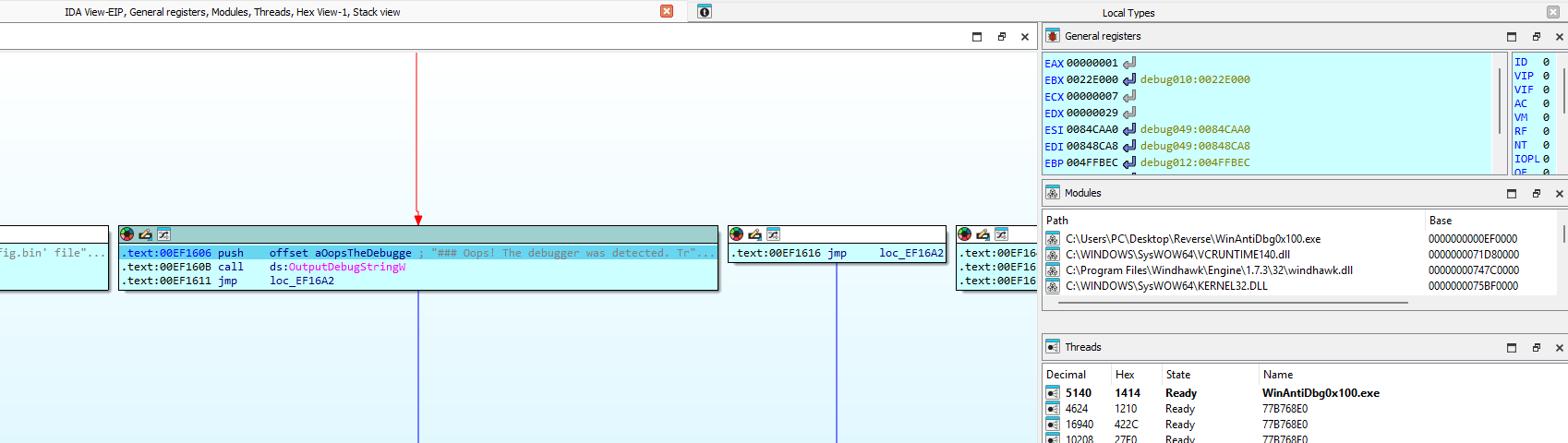
Hmmm no … I see this is because the program didn’t reach the exit function yet .. obvious ..
ok let’s see if we can go back without restarting the debugging process ..
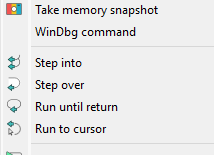
looks like there is no go back option …

preem this one button takes u to previous saved position .. here we are back to the test instruction

let’s change the value of eax from 1 to 0
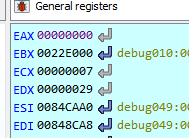
ok let’s continue the debug process
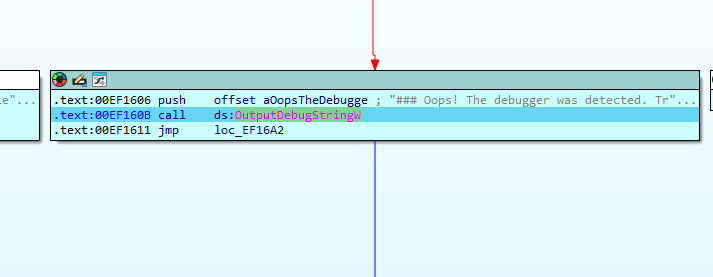
bruh … that button to turn back is useless .. let’s restart the debug process and change value .. see ya.
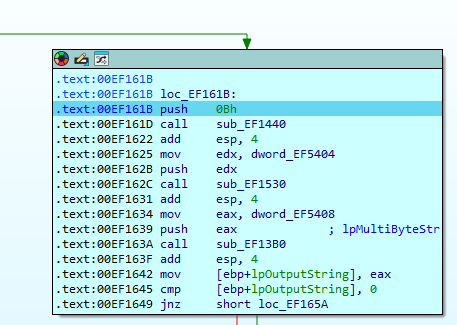
good it worked this time.
i’m bit tired of writing all of this so imma check things then summerize later..
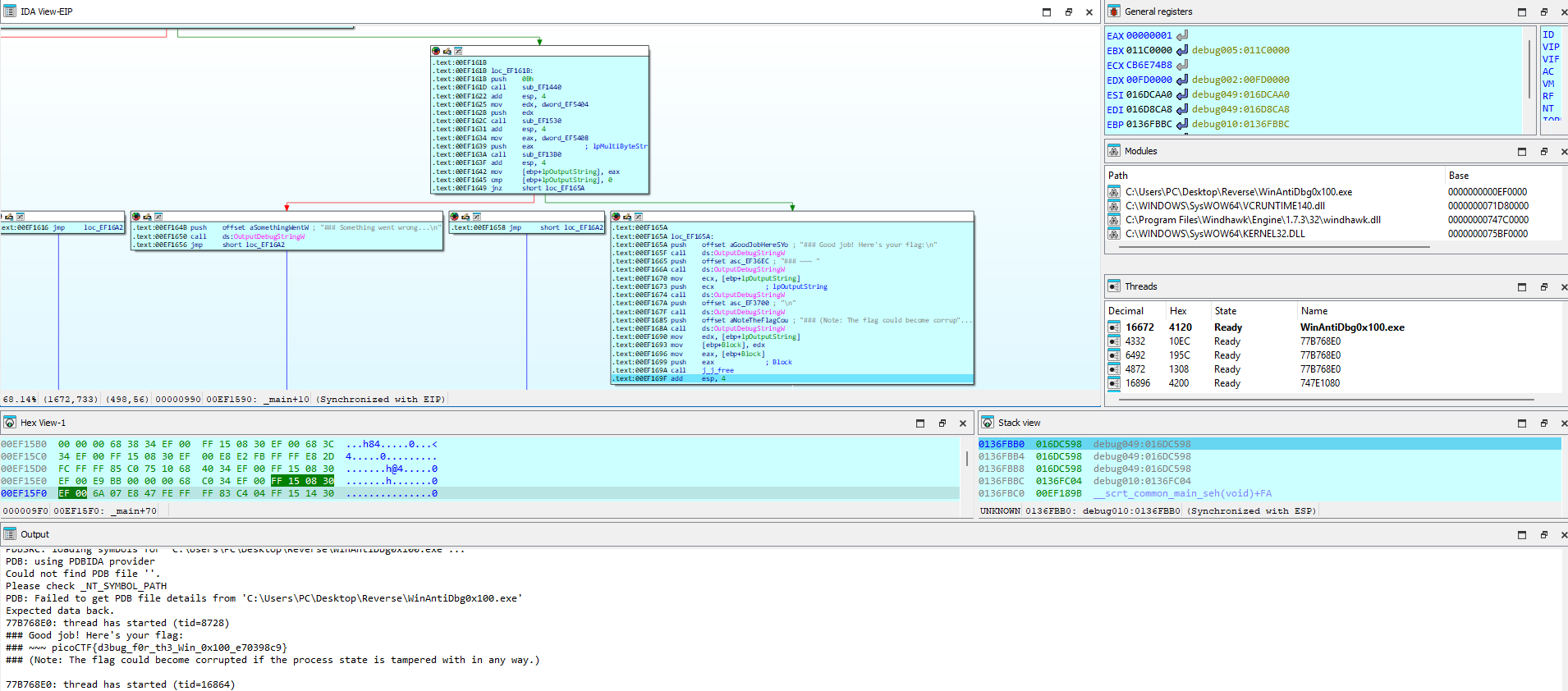
Uhem … i actually have nothing to summarize except that i just kept going a step above and everything ran normally and i got the flag picoCTF{d3bug_f0r_th3_Win_0x100_e70398c9}
So here it is .. everything running normally .. and debugger is running until the end
Found a very obvious named Function ‘IsDebuggerPresent’ .. i just saw that th register eax has a 1 and it jumps to exiting if it stays one .. change the register value to 0 and everything is cool.
One thing tho .. when i look at the string i found in terminal i find this block
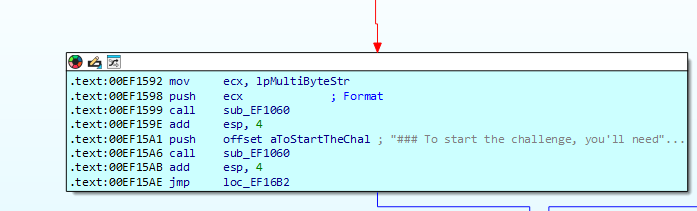
And it comes straight from the very top node
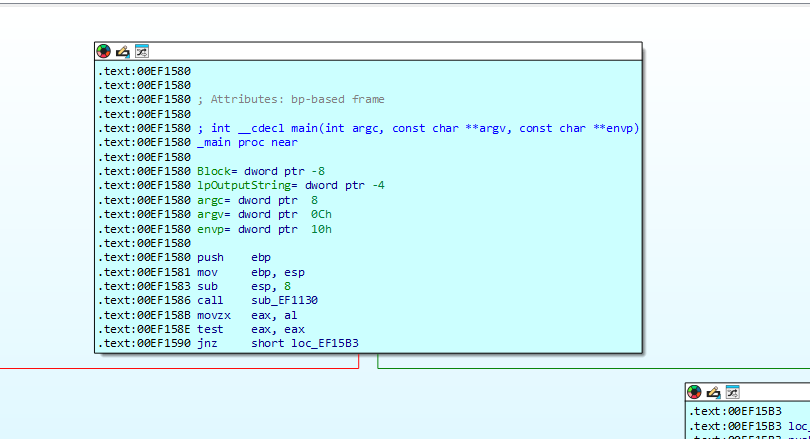
So the program checks if there is a debugger attached at the very start but i don’t see a functio nnamed is DebuggerPresent like the other one o.o
But i see that the program do the test on eax and goes to check again if the debuger is active if result is not equal zero.
So Technically to make the program run on terminal i just need to patch both jnz and jz to jz and jnz
let’s try it

Whaaaaaa it doesn’t run … i guess i broke it o.o
Anyways i’ll try to mingle a bit later with it i guess this is enough for now.